
Full-Stack Development Roadmap
How do get started on becoming a full-stack developer pro.


Every Journey has its Beginning
I’m aware that each person reading this will have a wide variety of programming experience from no experience what so ever, to a ton of experience. I will be going off the assumption that you already have a basic understanding of programming and have learned the basics principles of programming.
If you have 0 experience programming, I will have other articles about the fundamentals of programming and how to get started from scratch.
What is full-stack development?
Full-stack development is the art of building a web application from the front-end, user interface side to the back-end, data management and processing side. Think of the full-stack development as a car. You have the driver controls like the wheel, the brakes, the gas, the shifter, etc.
These tools are like the front-end of an application. It’s the interface in which the user interacts with a system to provide value.
The back-end is equivilant to a car’s engine, transmission, radiator, catalytic converter, etc. This machinery is behind the scenes and most of the time, the driver just wants it to work (and it can be very frusterating when it doesn’t work).
In the same way, the users of a web application don’t care about the backend of the application, they just want it to work. And when it doesn’t, users get annoyed really quick just like with cars.
Becoming a full-stack developer is an extremely valuable skill because you have the ability to build both the frontend and backend sides of a web application. These skills are extremely marketable to many employers and clients.
Setup
This is NOT supposed to be a tutorial, but a general overview of what you should learn. However, here are a few things you should have.
First things first… you should have the following softwares installed to learn what’s next:
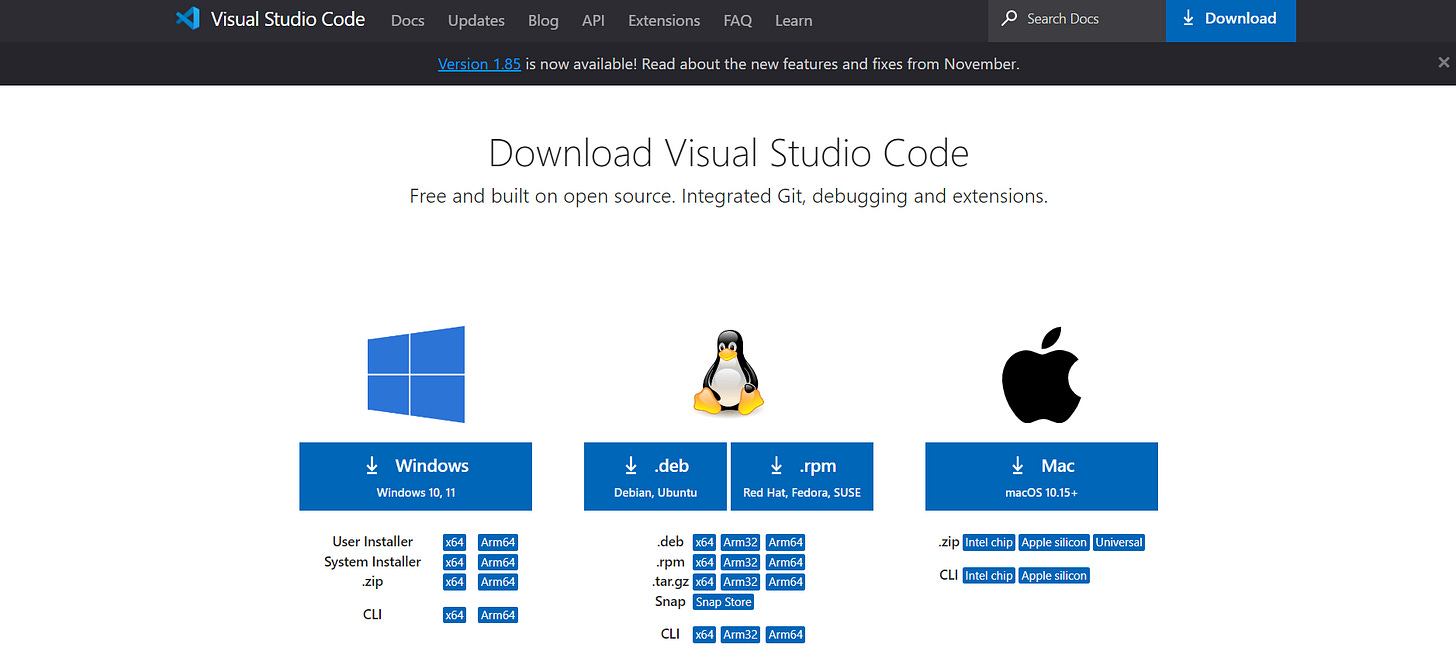
VS Code [this is an IDE, you will use this to write your code]: Download VS Code
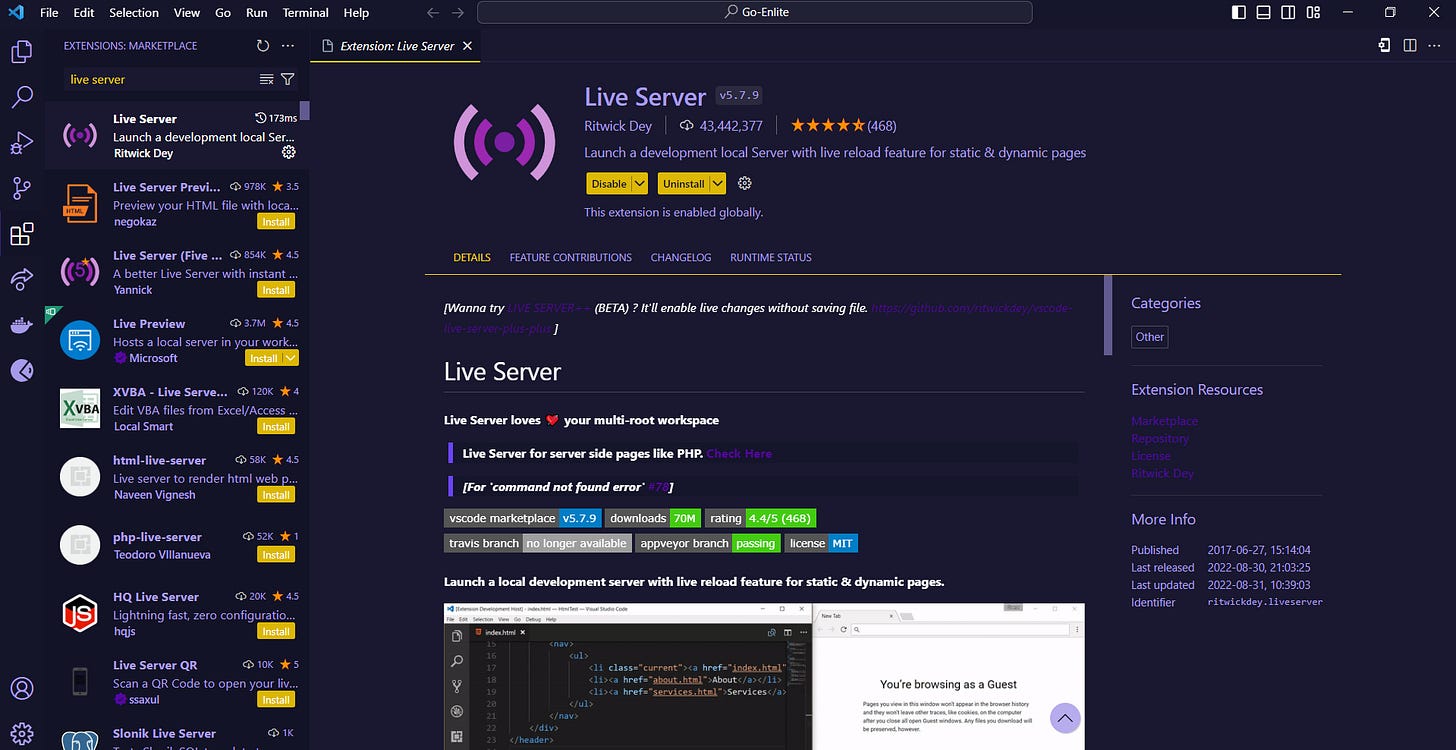
Live Server Extension [use to test your web page]: (Install extension on VS Code after set up)
Install Node [used to build and run your backend]: Node.js Download
MAKE SURE TO DOWNLOAD NPM WITH NODE!!!!

Step 1: HTML
Is HTML a language?… Yes and no. Side note, programmers get so heated over this question on social media and it’s really funny to me. 😂
HTML stands for Hypertext Markup Language. So, HTML is a markup language, which basically specifies the structure and formatting of a web page. But it is NOT a programming language! (Don’t worry programmers, you don’t have to stone me).
Think of HTML like the skeleton of a web application. It gives the frontend structure for the user to view the web app.
Here is an example:
<!DOCTYPE html>
<html>
<head>
    <title>Sample HTML Page</title>
    <meta charset="UTF-8">
</head>
<body>
    <h1>Welcome to My Webpage</h1>
    <p>This is a paragraph of text in the body of the webpage.</p>
    <p>Here's a link to <a href="https://www.example.com">Example Website</a>.</p>
</body>
</html>
Step 2: CSS
CSS stands for Cascading Syle Sheet. CSS is meant to style your web application to create a better user experience and build an aesthetic design. To continue the same anaology as before, CSS is like the clothes you wear. What you wear is an expression of the type of person you are to the public.
In the same way, the manner in which you design your web application is an expression to the user of the purpose and brand of your application.
Now CSS is important to learn but it can get extremely complex as application grows. An important principle to keep in mind is this:
LESS IS MORE
Don’t overcomplicate your CSS because it’s easy to loose control of knowing what styles are being rendered on your web page.
Here’s an example:
/* style.css */

body {
    font-family: Arial, sans-serif;
    margin: 0;
    padding: 0;
    background-color: #f4f4f4;
    color: #333;
    line-height: 1.6;
}

h1 {
    color: #333;
    text-align: center;
    margin-top: 50px;
}

p {
    margin: 20px;
    padding: 5px;
}

a {
    color: #0066cc;
    text-decoration: none;
}

a:hover {
    text-decoration: underline;
}

.container {
    width: 80%;
    margin: auto;
    overflow: hidden;
}
Step 3: JavaScript
Now we are getting to programming. JavaScript is a very popular programming language that is used to to create an interactive experience with the user.
Think of JavaScript as the muscle in your body. Your muscles allows you to move around and take actions that affect the world around you. Similarly, JavaScript allows a user to interact with your web app (clicking, moving the mouse, scrolling, dragging, etc).
JavaScript is THE programming language used to build the front-end of web applications. It is my favorite programming language and (in my not-so-humble opinion) will be the most used language once the development community chills out with building so many different programming languages (sorry python developers).
Here’s an example:
// script.js

document.addEventListener("DOMContentLoaded", function() {
    // Alert when the page loads
    alert("Welcome to my webpage!");

    // Change the color of the heading when clicked
    document.querySelector("h1").addEventListener("click", function() {
        this.style.color = this.style.color === "blue" ? "#333" : "blue";
    });
});
Front-End Complete!
Once you feel comfortable in HTML, CSS, and JavaScript, congrats! You’ve learned the fundamentals of building the front-end of a web application. I recommend trying to build a basic To-Do app using just HTML, CSS, and JavaScript. It’s a fun challenge and it will help develop your skills in these frontend tools.
On to the backend
It’s time to learn how to build the backend side of your web application. It’s cool to create a To-Do app that a user can interact with and create a to-do list, but it’s pretty useless if the user can’t actually save their list and go back to it when they need it.
This is where having a backend comes in handy. A backend will be able to take the data from the frontend that was created by the user, and save it to a database so the user can go back to it later. (Side note, despite popular belief, not every application NEEDS to have a database. I’ll get a lot of hate for saying that, but this is a rant for another day.)
Step 4: Node.js
There are so many frameworks and dozens of languages you can used to build your backend. I recommend starting with a very light-weight, basic backend using JavaScript.
You should use Node.js (a JavaScript runtime environment) to run our backend application).
Step 5: Express.js
Express is a very basic, light-weight JavaScript backend framework. Express.js allows you to build an API (Application Programming Interface) for your web app. Think of an API as a communicator between softwares. In this example, your backend API allows for communication between your frontend and the underlying data you will store in your database.
With an API, a user could create a to-do list and then save the list to a database. This way, a user could go back to your to-do web app at a different time and see the data they previously saved.
Here’s an example of an API endpoint:
// app.js
const express = require('express');
const app = express();
const port = 3000;

// Middleware to parse JSON requests
app.use(express.json());

// Sample GET API endpoint
app.get('/api/greet', (req, res) => {
    res.json({ message: 'Hello, World!' });
});

// Sample POST API endpoint
app.post('/api/greet', (req, res) => {
    const name = req.body.name || 'World';
    res.json({ message: `Hello, ${name}!` });
});

// Start the server
app.listen(port, () => {
    console.log(`Server running on http://localhost:${port}`);
});
Conclusion
Now you are on your way to becoming a professional full-stack developer! Again, this is meant to be a simple roadmap of what you should learn and is not meant to be a tutorial. I have some links below to some resources that will help you learn the specifics of each step.
The key is to practice, practice, practice. Start building something cool and see where it takes you!
Feel free to reach out to me on Substack or my website Bespoke Dev Solutions if you have any questions!
Good luck and happy coding!!!